Designing Self-Hosted Software That Is Actually Easy To Self-Host
A practical look at making self-hosted software approachable, portable, and simple to operate.
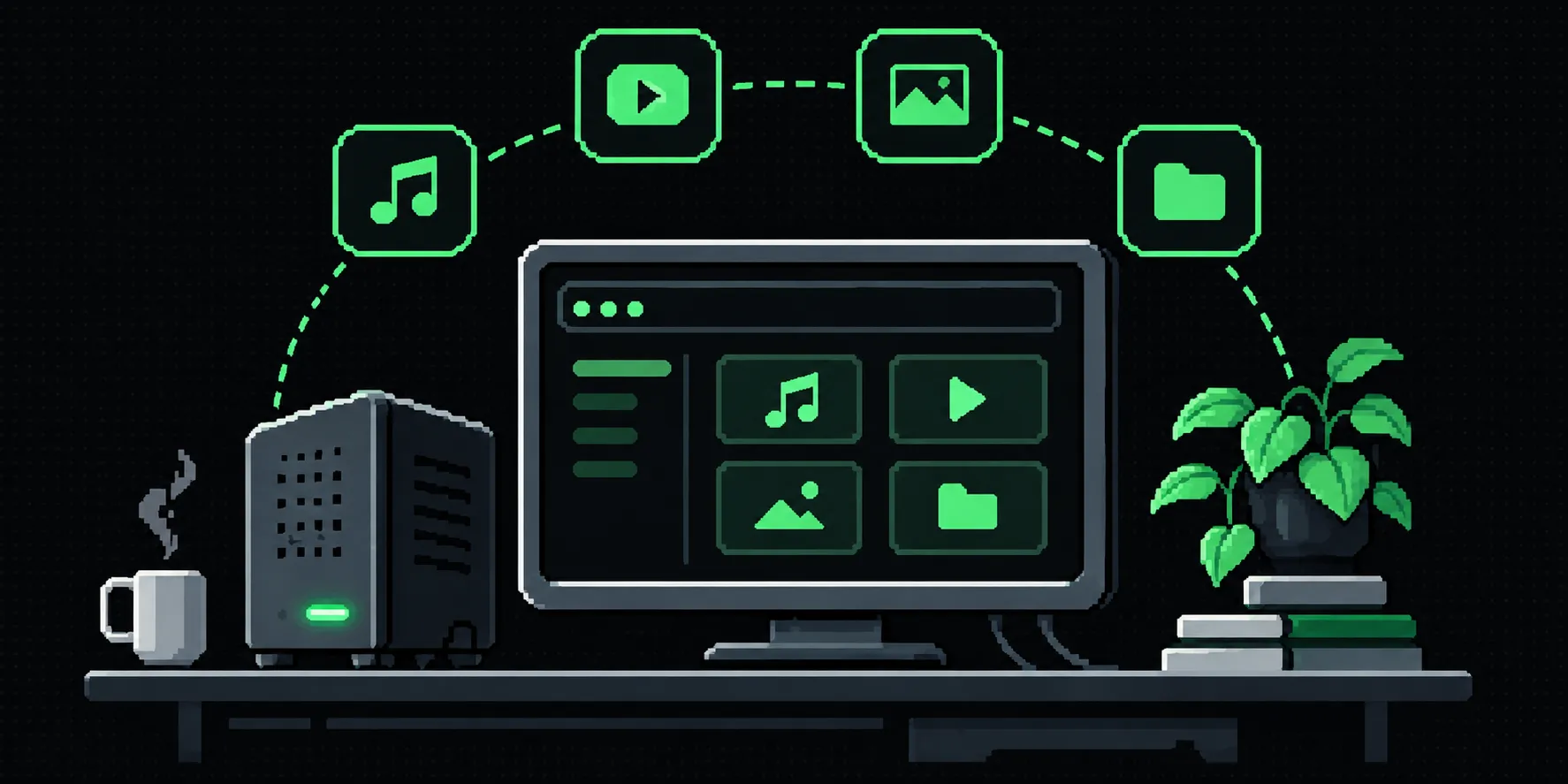
Why must self-hosted software stay confined to home lab owners and tech-savvy people? I have always felt that such software can solve some really annoying problems for general people too, who cannot really set up a kubernetes cluster just to backup a bunch of their files to their laptop.
What is Self-Hosted Software?
Well, very brave of you to be reading this blog post if you do not know what self-hosted software is! But worry not, the question must be answered, and we do need more people to understand what their hardware can do.
Self-hosted software generally refers to applications that you can run and operate on your own infrastructure, rather than relying on someone else’s servers. These applications can range from lightweight services running on a Raspberry Pi to more demanding applications running on dedicated hardware. Think of running a YouTube or a Spotify of your own, where you can control the content listed.
So the next question is, why do we need self-hosted software anyway, right? We already have Spotify and YouTube. So why would I want to have my own servers for them? Well, the answer to that would be a combination of things, like controlling what content stays on the server. YouTube can remove videos and make them inaccessible to users, same with Spotify. Another one would be the quality of content, Spotify’s newly introduced HQ music did not feel like real FLAC quality music. And for the doomers, if you own the infrastructure, it would work even when the internet goes down someday.
How Easy Should It Be?
Now that we know what self-hosted software is, the next question is how do I set it up? But that is the point where most non-tech people quit this rabbit-hole. Most of the guides use Docker and that may be a bit difficult to set up at first. While Docker is a very good choice for running self-hosted software reliably, I find that it’s not the easiest to get started with. One of my biggest gripes with Docker is that it reserves a lot of memory for the containers, and the runtime is huge too. I find the additional resource overhead and storage requirements unnecessary when all I want to run is one or two lightweight applications. I mean, nothing wrong with that. But if you want to save on resources like RAM and storage, you can ditch Docker.
Thus, I decided to try my hand at creating self-hosted software that is as easy as installing or running a general software. And honestly, it was not very difficult to get a prototype up and running. I’ll discuss the whole pipeline in detail in the next section. So, to run the server on your machine, you just need to download the app(of course!) and double-click the .exe file. That’s it! You’ve got a server running on your machine. Now, I would recommend putting the executable file in an aptly named folder on your system, but I mean, its your machine, do whatever you wish.
Running the application would open a terminal window with the initial credentials for login and the URL of the service, which is generally http://localhost:<PORT>. Now, some level of network understanding is required to access the app on other devices, but the user can be guided for that from within the applications.
The issue with this approach however is that: 1) The users see the terminal window and 2) The app won’t auto start when the user restarts their machine. Both of these problems are easily solvable and that is planned for my software.
This was just the setup though, now let’s talk about the other aspects of running self-hosted software. We also want to be able to update the software easily. Well, here it has to be handled by the developer, but it shouldn’t be very difficult on the developer’s end(Updates would be discussed in a detailed technical write-up later) . And uninstallation is as easy as just deleting the installation directory. No cleanup should be required after that ideally. One thing to note here is that the config and user data may be backed up before deleting if you wish to install the app later.
Why Should Developers Care?
This section is intended for developers of self-hosted software that are reading the post. Feel free to skip this section if you wish.
Alright, so developers want their software to be used by as many people as possible. And that requires setting up the software to be easy, or the users begin dropping. I believe that if done right, we can see a ton of people self-hosting the software they need instead of relying on a bunch of subscriptions.
Only needing the executable results in a portable installation. Like, you can even put it on a flash drive and plug it in when you wish to run it on any machine. Now, it’s a no brainer that a windows executable would not work if you plug the drive on a Mac. But other than that, you’re basically good to go!
I love music and even more than that I enjoy data-hoarding. So naturally, I download music and store it locally to listen in high-end formats like FLAC. The first self-hosted software I started working on seriously was a music server so I can store my huge music collection on my desktop but can stream it over my home network to my phone. So I got to designing it. The tech stack for the project was Actix(Rust) for the backend and Svelte for the frontend. I picked SQLite as it can be bundled easily with the app and is tiny. The frontend is actually a SPA generated by SvelteKit. And I bundle it directly inside the executable using rust_embed and it can be referenced whenever needed. And it worked surprisingly well.
When the app launches, it creates the data directory right next to the executable with the SQLite db and config file. It also starts listening on the configured port and rest can be taken care of using the UI. Of course, I was handling lots of stuff naively in that app, which I later iterated on and fixed. Like database migrations, they were introduced quite later. Updating the app is also a bit tricky, but I figured it out later.
I would be doing a more detailed write-up of my pipeline that I use to build easy to host software when I feel like its in a stable and secure enough state. But the gist is to create a web based application while eliminating the parts that require the end user to install a bunch of stuff. Here’s a loose list of the replaceable things:
- Runtime: Bundling Node with your app is not a good idea, pick something like Rust or Go to run natively on the target system.
- Database: SQLite is enough! And you can pack it with your Rust/Go app easily using the libraries.
- Migration Engine: You can store migration scripts and bundle them with the application, I do it for my Rust based apps.
- Frontend: This is the tricky part, but fortunately we can bundle arbitrary files in executables. Look into libraries like
rust_embedor the equivalent for your language/ecosystem.
The list above should cover most of the use cases that a general application needs. So, let’s get building!
Downsides
As with all the things, the approach discussed in this blog post has some issues as well. Here are some of the potential issues:
Security
With the advent of AI, we are seeing more and more hacks taking place. So before distributing software, proper testing needs to be done, as if it’s not run in a sandbox, it may lead to a system-wide compromise. This is the biggest issue with this approach.
If the application is compromised somehow, it may result in the user data getting stolen. So permissions and safeguards are required for such setups.
Another aspect is unintended internet exposure. A bit of networking knowledge is required to ensure the application is only accessible over the local network and not to the entire internet.
Multi-server apps
This is the second biggest problem with this setup. If you wish to ship your software as modules, you need to make the module manager yourself. For example, if you wish to use something like RabbitMQ or Redis for queues or caching, you need to bundle it with your app. This may lead to multiple copies of those software as it may be used by multiple apps. But given that this approach is meant for an easy entry-point to self-hosting, I don’t suppose this would cause a great problem.
Segregation
As mentioned before, while it is advised to keep the executable and the config files in a well-defined directory, it is not really enforced right now.
Config Management
Multiple applications may go for the same port, so a bit of config management is required. But this is also the case for docker based setups.